Krisp is an AI noise-cancellation app for Windows and Mac. This review covers 2026 pricing, the 7-day trial, Discord’s free built-in Krisp filter, and how it compares with NVIDIA Broadcast. We did not run lab tests.


 Stacey
Affiliate disclosure: This review includes affiliate links to Krisp. If you buy through them, joysticket.com may earn a commission, at no extra cost to you. Facts below come from Krisp’s official site, its help docs, and published third-party sources. We did not run lab tests.
Krisp is still best known for one job: stripping keyboard clacks, fans, traffic, and barking dogs out of your mic so people hear you, not your room. That matters if you game from a shared apartment or jump from a Discord party into a work call.
The catch is that many gamers already have a free version. Discord’s official Krisp FAQ says Krisp noise suppression is built into Discord on desktop and mobile, and it is free there. The paid app is worth a look when you need the same cleanup in Zoom, Teams, or another program that lets you pick a microphone, or when you want Krisp’s two-way filter that also quiets noise coming at you.
There is no ongoing free plan on Krisp’s pricing page as of November 2026, only a 7-day trial. After that, Core starts at $8 per user per month if you pay annually, or $16 month to month. Fees are generally non-refundable, so use the trial, then decide. If that sounds fair, you can try Krisp free for seven days.
Krisp is a Voice AI app from Krisp Technologies, Inc. You install it on a Windows or Mac computer, then set “Krisp Microphone” (and, if you want incoming cleanup, “Krisp Speaker”) in the app you are calling from. It sits between your headset and Discord, Zoom, or whatever else you use, and tries to pass only speech.
Krisp later bundled an AI meeting assistant into the same subscription. You do not have to use the notes. Krisp’s pricing FAQ says there is no cheaper noise-cancellation-only plan, but you can turn the meeting assistant off and keep the clean audio. Discord’s FAQ confirms the integration, including for voice during Go Live, and says that when the built-in filter is on, no voice or user data is sent to Krisp’s servers.
Background noise, voice isolation, and echo cancellation. Krisp’s noise-cancellation page describes three layers: it removes ambient sound such as typing, traffic, fans, and pets; treats other voices in the room as noise so only the person at the mic comes through; and cuts room echo. In the standalone app, you can also reduce noise in what you hear.
Works in apps that let you pick a mic. Krisp’s setup guide says the app works with any desktop or web tool that supports virtual audio devices and has its own mic and speaker settings. We did not test specific games, OBS setups, or party-chat clients for this draft, so treat that as Krisp’s compatibility claim, not a benchmark.
On-device processing, and a mobile limit. Krisp says noise cancellation runs locally on your computer, that meeting data is not used to train its AI models, and that it holds SOC 2 Type II certification and covers GDPR. There is a mobile app for recording and transcribing meetings, but Krisp’s FAQ is blunt: it does not include noise cancellation today, “but it is coming.” Paid plans include unlimited transcription and AI notes, though AI Meeting Assistant Reviews (October 2026) still called noise cancellation the standout and said transcription trails dedicated note-taking tools.
Figures below are from krisp.ai/pricing, checked in November 2026. You can review Krisp’s current plans on a 7-day free trial, with no credit card required. After the trial, Krisp’s Terms of Use (updated March 4, 2026) say access ends unless you subscribe. You keep access to your content for 90 days to export it.
Paid Meeting AI plans, per user, as of November 2026:
Refunds. Krisp’s help center and Terms of Use say payments are not refundable unless the Terms say otherwise, including auto-renewal charges if you do not cancel before the renewal date. You can cancel in Settings > Billing and keep the paid features until the end of the current cycle. The trial is the safe window. AI Meeting Assistant Reviews, checking Krisp’s docs in October 2026, reported that the old free tier of 60 minutes a day no longer appears on the pricing page.
Pros
Cons
Krisp fits you if you take voice chat or video calls from a noisy space and need that cleanup in more than one app, including work calls after a Discord session. Streamers who already use Discord Go Live can stay on the free built-in filter. The paid app becomes more interesting if your production tools let you select Krisp as the mic.
Skip a paid plan, or at least wait until the trial ends, if you only ever talk in Discord, if you are happy with a free GPU-based tool on a Windows gaming PC, or if you need a Linux desktop app.
Discord’s built-in Krisp is the first alternative to try, and it costs nothing inside Discord. It only cleans your outgoing audio, and Discord says it can disable itself under heavy CPU load. For many gaming sessions, it is enough.
NVIDIA Broadcast is a free option if you are on Windows and have a compatible GeForce RTX GPU. NVIDIA’s Broadcast app includes noise removal for microphone and speakers, plus webcam effects. It will not help a Mac user or a laptop without that GPU. We did not run a side-by-side test.
Not necessarily. Discord includes Krisp noise suppression for free and says it also works during Go Live. Buy the standalone app if you want noise cancellation in other programs, or incoming cleanup as well as your mic.
Not as an ongoing plan. As of November 2026, Krisp offers a 7-day free trial with no credit card, then paid plans. After the trial, access ends until you subscribe.
The desktop app supports Windows and macOS, not Linux or Chrome OS. The mobile app can record and transcribe meetings but does not include noise cancellation yet. Discord’s own Krisp toggle is listed on Windows, Linux, Mac, Android, and iOS.
Usually no. Krisp’s help center and Terms of Use say fees are non-refundable, including auto-renewal charges if you forget to cancel. Use the seven-day trial.
For joysticket readers, Krisp is easy to overbuy and still easy to like. The noise cancellation is the genuine product, it works in more than one chat app, and it does not lock you to an RTX card. If you already get a clean mic from Discord’s free filter, you do not need the paid app for Discord voice. If your voice work spills into streams or work calls, the 7-day trial is the honest way to see whether the upgrade is worth $8 a month on the annual Core plan.
If you want to hear it on your own setup, start a 7-day Krisp trial and decide before day eight.
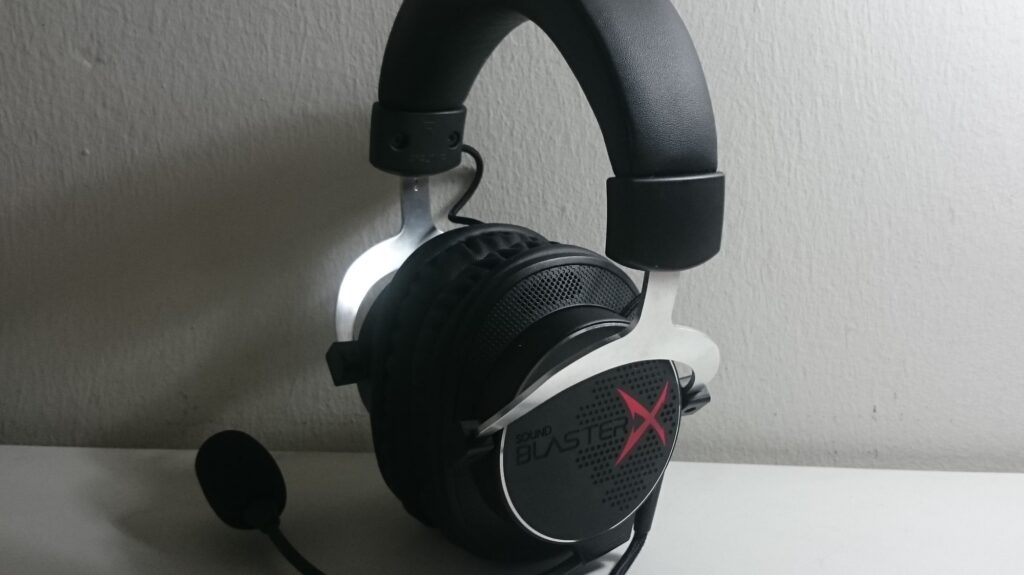
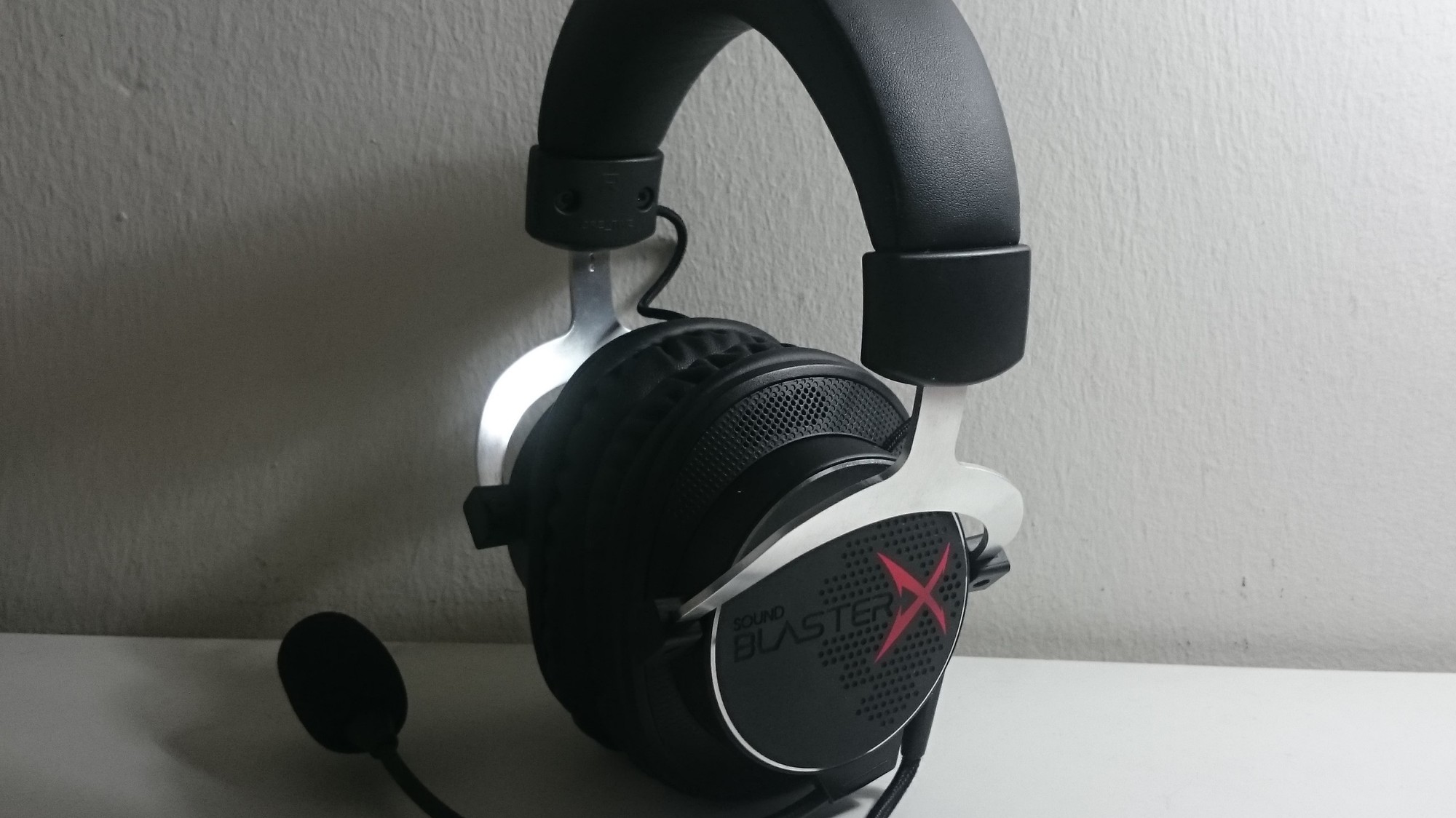
Featured image: A Sound BlasterX H5 gaming headset by Dinopkk, via Wikimedia Commons, licensed under CC BY-SA 3.0; cropped.