How to Turn Off Smart TV Tracking (ACR) in 2026, and Why Opting Out May Not Be Enough
To stop your smart TV from tracking what you watch, turn off its automatic content recognition (ACR) setting: Viewing Information Services on Samsung, Viewing Information / Live Plus on LG, Use Info from TV Inputs on Roku TVs, Viewing Data on Vizio, and Collect App and Over-the-Air Usage on Amazon Fire TV. But new research published this week suggests that on some brands, flipping that switch may not fully stop the data flow, so a few extra steps are worth knowing.
Smart TV privacy became a hot topic this week after a Northeastern University study found “suspicious” network traffic on Samsung, Vizio, and Roku TVs even after users opted out. Here is what was found and what you can do about it.
What is ACR, and why does your TV use it?
Automatic content recognition works a bit like Shazam for your screen. The TV periodically captures small samples of what is on screen (and in some cases audio), turns them into digital “fingerprints,” and matches them against a content library to identify what you are watching. TV makers and their partners use that information to measure audiences, recommend shows, and target ads.
Samsung’s own support page says that if you opted in to Viewing Information Services, the information collected may include viewing history, such as programs watched and for how long, TV identifiers, and your IP address. Samsung also says it does not record or watch the content displayed on your TV, and that you can opt out at any time in Settings (Samsung).
What the new research found
The paper, “Watching the Watchers: Privacy Analysis of U.S. Smart TV Automatic Content Recognition,” was written by researchers at Northeastern University. They ran 5,943 controlled experiments on 12 TVs covering eight smart TV operating systems that together account for roughly 95% of the U.S. market, testing each with tracking turned on and then turned off (research paper).
Where opting out appeared to work
According to the paper, the ACR opt-out fully suppressed ACR-related traffic in the researchers’ tests on four platforms: LG’s webOS, Sony’s Google TV sets, VIDAA OS (tested on a Supersonic TV), and Amazon’s Fire OS.
Where it did not
- Samsung (Tizen): Traffic consistent with ACR continued after opt-out in all 30 tests using Samsung’s own streaming app, 41 of 60 antenna tests, and 18 of 30 HDMI tests, as reported by Ars Technica.
- Vizio: A content-correlated endpoint hosted on Amazon Kinesis kept receiving traffic in 100% of the opted-out scenarios, the paper says.
- Roku: The continued activity showed up only when using The Roku Channel, Roku’s own streaming app. Roku discloses this behavior in its terms.
There is an important caveat. The traffic was encrypted, so the researchers could not see what was actually being sent. The paper describes the behavior as indicating “potential privacy violations” but says “we cannot know for certain without access to payload content.” Ars Technica said Samsung and Vizio had not yet answered its questions about the traffic.
How to turn off ACR on every major TV brand
Menus change from year to year and model to model, so your TV may use slightly different labels. These paths are based on guidance from Consumer Reports and the manufacturers.
Samsung
Press Home, then go to Menu > Settings > All Settings > General & Privacy > Terms & Privacy. Decline Viewing Information Services, and while you are there, decline Interest-Based Advertising. On some older models the menu is called “Terms and Policy.”
LG
Press Settings, then go to All Settings > Support > Privacy & Terms > User Agreements and turn off Viewing Information, which powers LG’s Live Plus recommendations. You can also turn off the Interest-Based & Cross-Device Advertising agreement and toggle on Do Not Sell My Personal Information. On older LG sets, look under General > System > Additional Settings for Live Plus.
Roku TVs (TCL, Hisense, Onn, Philips and others)
Go to Settings > Privacy > Smart TV Experience and uncheck Use Info from TV Inputs. Under Privacy > Advertising, uncheck Personalize Ads. Roku notes that data collected while the feature was on may be retained (Roku).
Vizio
Go to Settings > All Settings > Admin & Privacy and turn off Viewing Data. On older sets, look under System > Reset & Admin, where the setting may be called Smart Interactivity.
Amazon Fire TV
Go to Settings > Preferences > Privacy Settings. Turn off Collect App and Over-the-Air Usage, Device Usage Data, and Interest-Based Ads. Amazon says turning off ACR will not change the basic functionality of your device (Amazon).
Sony and other Google TV sets
On Sony TVs, ACR is provided by Samba TV. Go to Settings > All Settings and switch off Samba Interactive TV. On any Google TV, you can also go to Settings > Privacy > Ads to reset or delete your advertising ID. TCL Google TV owners can withdraw consent under Settings > Privacy > User Agreements.
Going further: options if you want more privacy
If you own a Samsung or Vizio set, the paper’s authors suggest stronger steps:
- Take the TV offline. A TV that is not connected to Wi-Fi or Ethernet cannot send ACR data. You can then use a separate streaming stick or box for your apps.
- Choose a streaming device carefully. The researchers recommend an external streaming device that does not perform ACR, or relying on the opt-out on platforms where it worked in their tests.
- Block ACR servers on your network. The research team published a list of domains and addresses that people can block, for example with a DNS filter on their home router, to stop devices from talking to ACR services without affecting picture quality.
You may also see headlines about “rooting” a TV to strip out tracking. The viral example this week came from developer Jake Stevens, who said an AI coding tool helped him temporarily root a Samsung TV and disable ACR, HDMI monitoring and Bixby wake-word detection, and that the TV felt three times faster afterward. His project notes are more cautious: it has been tested on one Samsung model and relies on a temporary root session (TweakTown). For most people, modifying TV firmware is risky and could void a warranty or break the set, so the network and settings steps above are the safer route.
Why this keeps coming up
Smart TV tracking has drawn regulators’ attention before. In 2017, the FTC said Vizio used ACR to collect viewing data without consent, and the company paid $2.2 million to settle. More recently, Texas Attorney General Ken Paxton sued Samsung, Hisense, LG, Sony, and TCL, alleging unlawful ACR data collection, and Samsung settled by agreeing to explain its use of ACR more clearly, according to Ars Technica. If you are interested in how TV and streaming habits have shifted, see our look at the evolution of sports broadcasting from TV to streaming, and how ad targeting works more broadly in our guide to digital advertising.
FAQ
Does turning off ACR break my smart TV?
No. Your apps, picture and sound keep working. You may lose some personalized recommendations, such as LG’s Live Plus or Roku’s More Ways to Watch, and ads may become less targeted rather than disappearing.
Is my TV listening to my conversations?
ACR identifies what is playing on screen; it is separate from voice assistants. Voice features use the microphone in your remote or TV, and you can turn them off in the voice or privacy settings on most brands. Samsung says its ACR does not record the content on your screen.
Which smart TV brands had working opt-outs in the study?
In the Northeastern tests, opting out fully stopped ACR-related traffic on LG webOS, Sony Google TV, VIDAA OS, and Amazon Fire OS. Results may vary by model, firmware and region.
Does using a game console or cable box over HDMI avoid tracking?
Not necessarily. Research has shown ACR can analyze content from HDMI inputs on some TVs (arXiv). Turning off the ACR setting, or disconnecting the TV from the internet, is the more reliable fix. Gamers moving to streamed play may also want to read about how cloud gaming is changing entertainment.
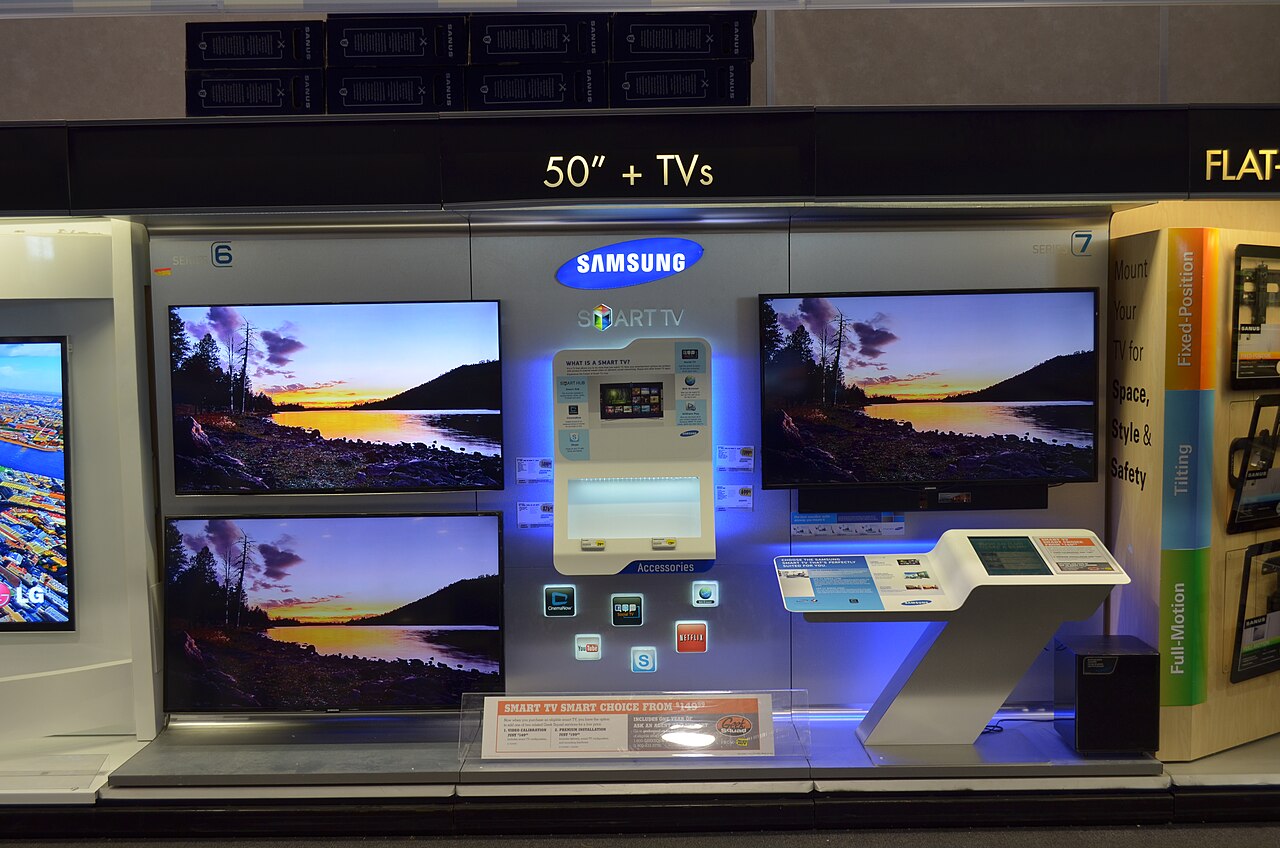
Image: Samsung Smart TV display, by Raysonho @ Open Grid Scheduler / Grid Engine, via Wikimedia Commons, CC0 1.0 (public domain dedication).